
Best Things to Do:
Air France Launches Mobile Boarding Pass
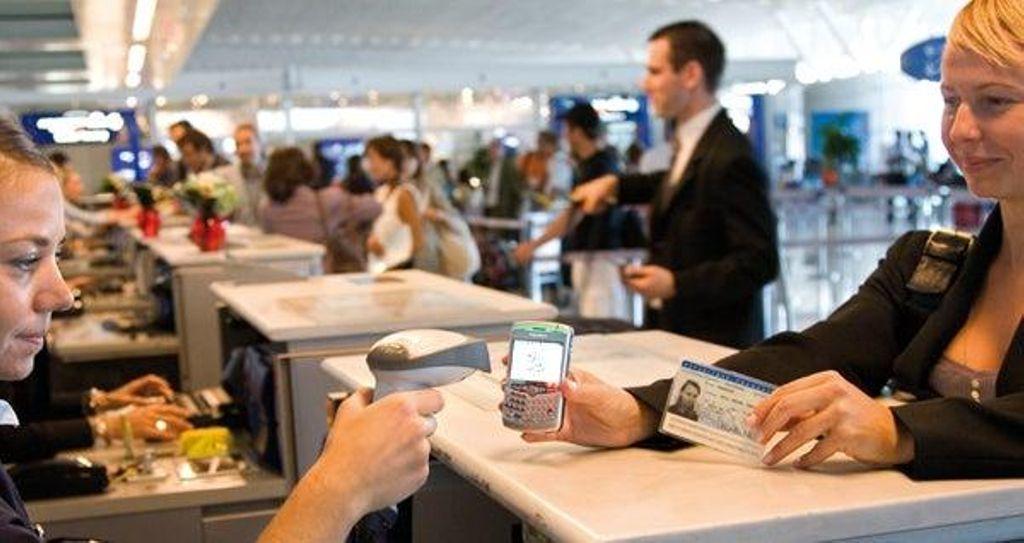
One of the most anticipated technological revolutions has arrived for travelers (not all of them). The mobile phone, the human appendage of the 21st century, replaces paper as a valid boarding document. This service has already been implemented by Air France www.airfrance.com on its flights between Paris-CDG and Amsterdam-Schiphol. If the formula is successful, it will be extended to more routes. All that is needed is to install optical readers at the airports. How does it work? Passengers check in via mobile at /0/355/355325.JPEG and receive on-screen boarding information with a secure barcode via SMS or MMS - if it's a classic phone - or by email if it's a smartphone, PDA, or Blackberry. The message includes everything related to the flight (departure time and gate, flight number, seat number, and class of travel). If a phone stops working or runs out of battery, the passenger can print their boarding pass at self-service kiosks or request printing from an airline agent. Delays or cancellations will also be displayed on the screen.
How to Board with a Mobile Phone
1.- Enter /0/355/355325.JPEG using your mobile phone's internet connection at least thirty hours before the flight.
2.- The mobile phone receives an SMS, MMS, or email with boarding information (departure time and gate, flight number, seat number, and class of travel) plus a barcode.
3.- At the airport, to check in luggage, go directly to the baggage drop-off counter equipped with an optical reader, and show the mobile screen and personal ID.
4.- Go through security by presenting the mobile screen.
5.- At the assigned boarding gate, present the ID and the mobile screen. The airline staff will scan the barcode using the optical reader.